Feeling ready for a fresh-faced website? We’ve got the expertise to fuel your online presence, and the kick-ass hosting solutions to prove it. All from Canada.

HOSTING FROM CANADA
Just .ca it

Trusted by leading organizations
We're proud to have served over 500,000 clients including prestigious organizations like UBC, Harvard Kennedy School, BCCDC Foundation for Public Health, and more.





MORE FEATURES
Robust hosting solutions that grow with you.
Whether you’re setting up your first domain or upgrading an existing site, we’re here to support you every step of the way. Our domains and hosting plans are affordable, simple, and easy to set up.

Domain name
Build your brand with a great domain name, recognisable to your customers in Canada and beyond.

Email hosting
Get emails @ your domain FREE with all hosting plans. Enjoy email storage and POP/IMAP support.

Shared hosting
Your complete hosting package at an easy price. Fast, reliable, and affordable.

Business hosting
Enhanced performance, 6x RAM & CPU Power, FREE SSL and dedicated IP.

WordPress hosting
Designed for WordPress. Experience the #1 CMS with pre-installed WordPress and optimized WP features, security, and support.

Cloud hosting
Get complete control over a virtually unlimited supply of dedicated resources. Reliable, scalable, and 100% customizable.

Get the domain of your dreams
We don't mean to brag.
We're just really proud of what we do. Expect the absolute best for you and your business with all of our Doteasy web hosting plans.

Resilient
Our infrastructure ensures optimum uptime for your website. We use hard drive, power supply, and network redundancy as well as 24/7 hardware and server monitoring to detect and prevent problems before they even arise.

Secure
Establish a secure HTTPS connection, build trust with your customers and boost SEO search rankings with secure SSL - FREE with all hosting plans.

Fast
Access up to 30X faster SSD web hosting and 6x the RAM + CPU power. Meet web security standards with a dedicated IP address and secure HTTPS.

Carbon-neutral
Hosting your site with Doteasy makes a difference for the planet - we rely on renewable power and are committed carbon-neutral practices in all our data centers around the world.

EVERYWHERE YOU NEED US TO BE
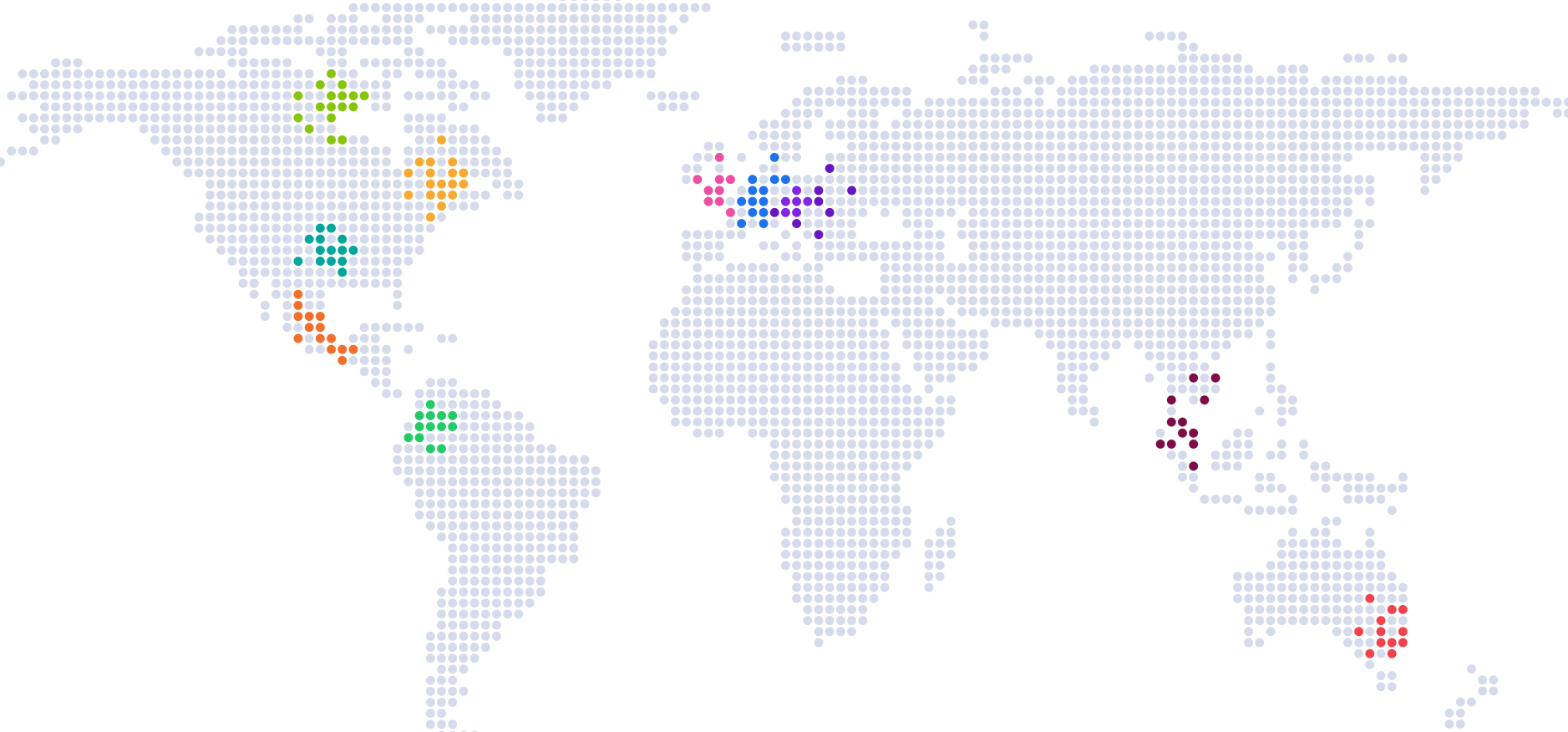
Canadian excellence, available anywhere.
We’re proud to offer the best of our Canadian roots around the world. Our global presence means fast connection for you and your customers, no matter where you are.
Managed hosting for major growth
Our team of experts give you direct support to help you with the administration, maintenance, and security of your website. With our team taking care of your website hosting needs, you can watch your business grow, and spend more time on what matters to you most.
- Hassle-free hosting environment
- Giving you complete control and more free time
- User-friendly cPanel interface

Super secure sites
Take advantage of security features for all aspects of your website to protect your website and gain visitor trust. SiteLock scans your website for malware and demonstrates to your visitors that you are a trustworthy business.
- SSL Certificates encrypt data for secure data transfers (eg. credit card transactions, logins, etc.)
- Deter hackers and gain the trust of both visitors and search engines
- Get peace of mind with auto backups and one-click restoration

Free email protection
All Doteasy hosting plans come with custom domain email addresses and a mailbox at no added cost! Choose to add advanced mail protection to filter out spam, viruses and suspicious emails. Just one protection plan covers all email accounts under your domain name.
- Catch and review suspicious emails before they even reach your inbox
- Set custom filter policies and create whitelists and blacklists
- Plus receive bonus domain email storage


WHY OUR CUSTOMERS LOVE US
Doteasy leaves me speechless!
This company leaves me speechless!! They are always willing and ready to help when I am stuck on a project. They take the lead so I don't have to struggle trying to figure out all the steps it would take me to get it done. They are very professional, patient, and friendly. I have been with for a few years and I don't have one complaint, and never have had any. I highly recommend them to anyone just starting out. Even if you are a pro in this area, Doteasy is the place to take your business. I left another company before I found Doteasy and so glad that I switched.

Get the help you need, when you need it.
We're known for being nice. With over 20 years of web hosting industry experience, our expert team can help you through any question or issue. Whether you're just starting out or a website expert, we're here for you.

Frequently asked questions
Here are our most common questions about what we do and how we can help you at Doteasy.